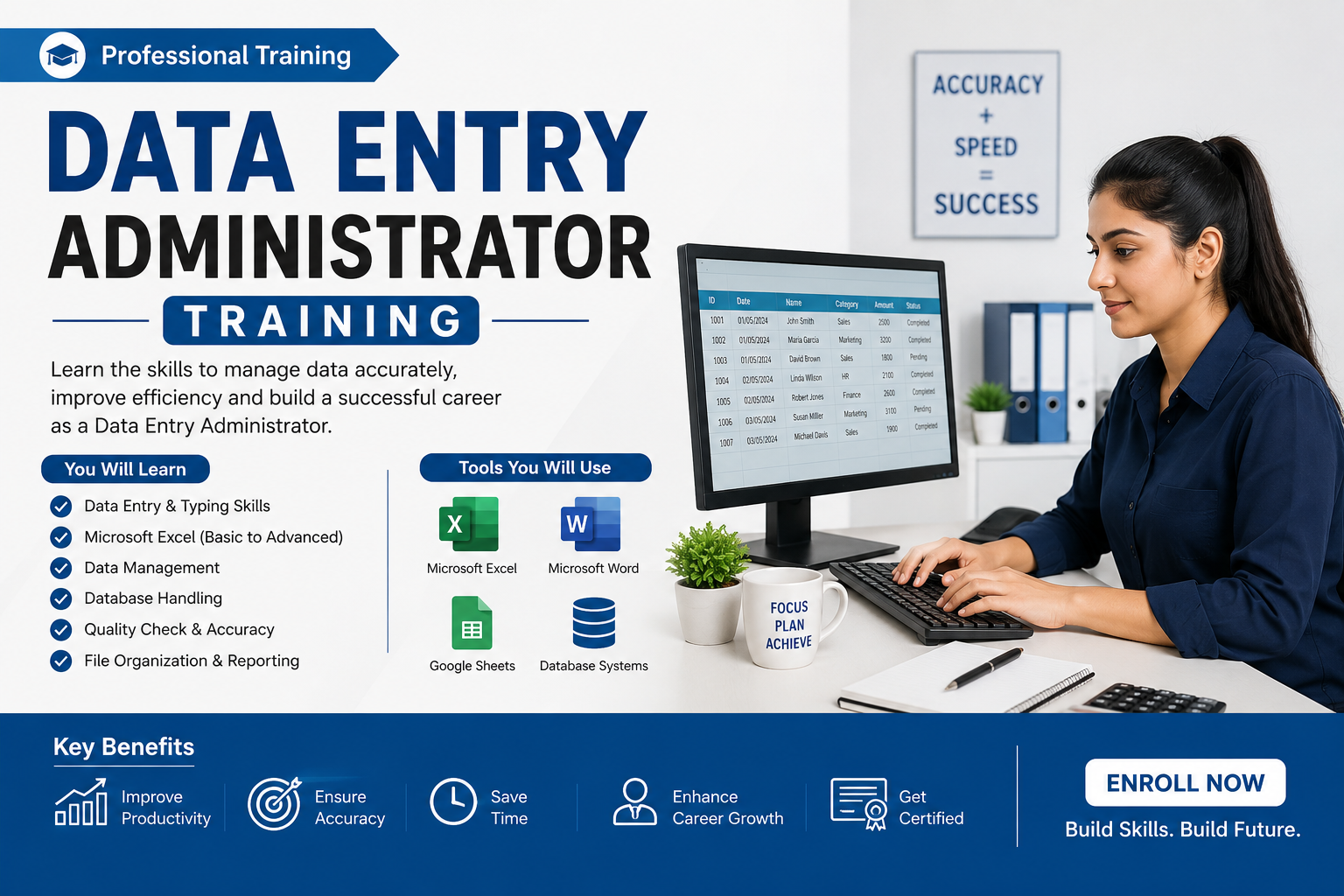
The Data Entry Administrator Training is a CPD-accredited course designed for aspiring data entry professionals in the fitness industry, ideal for beginners or staff seeking efficiency in administrative roles. Learn Excel automation, data forms, statistics packages, and Microsoft Office skills. Completion awards a recognized certificate to boost your career.
4.8
(7 Reviews)
217 Students
Exclusive Deal! 94% Off, Today Only!
Sale Ends In
CPD Point
Unlock your potential with the Data Entry Administrator Training — a CPD‑accredited course designed to equip learners with essential skills for office and administrative careers, especially within the fitness industry and beyond. In the UK, many businesses continue to seek employees with strong data handling and digital proficiency, with data‑focused roles featuring regularly in job ads and offering median earnings around £29,000 per year, reflecting ongoing demand for skilled data professionals.
This course teaches you essential, job‑ready skills including efficient data entry practices, computer use, and expert techniques in Microsoft Excel — from basic worksheet management to Flash Fill, data forms, and useful automation tools. You’ll also learn about data quality, statistics packages and how to create professional spreadsheets that save time and minimise errors.
By mastering these skills, you elevate your employability, boost productivity at work, and stand out in administrative and support roles. Whether you’re starting out or advancing your career, this training opens doors to respected roles with recognized certification to validate your competence.
Enroll now and transform your data skills into a rewarding career with recognised certification!Â
This Data Entry Administrator Training course is designed to provide a comprehensive understanding of data handling, Excel automation, and office administration, making it an ideal course in the UK for anyone looking to start or advance a career in administrative and data-focused roles.
Throughout this online training, you will develop essential skills in efficient data entry practices, computer usage, and advanced Microsoft Excel techniques, including Flash Fill, Autofill, creating data entry forms, and managing professional spreadsheets. You will also gain knowledge of data quality standards and the use of statistics packages to handle data accurately and effectively.
In addition to technical skills, this course builds your understanding of workflow management and professional office practices, helping you work with precision and confidence. This deeper knowledge equips you to excel in administrative roles, improve productivity, and enhance your career prospects with recognised certification.
By completing this Data Entry Administrator Training online course, you will be able to:
Whether you are starting your career or aiming to improve administrative skills, this Data Entry Administrator Training provides essential knowledge and essential expertise to succeed in data-focused roles.
As a comprehensive data entry course, it is designed to reflect real workplace practices in the UK, helping you gain confidence in Excel automation, data forms, Flash Fill, Autofill, and professional spreadsheet management.
This course supports your progression into roles such as data entry clerk, administrative assistant, or office support professional, giving you a strong foundation to enter the administrative sector or enhance your existing skills.
This Data Entry Administrator Training course is perfect for beginners or office professionals looking to improve data entry and Excel skills. It provides essential knowledge to succeed in administrative and data-focused rolesÂ
It is suitable for:
There are no prerequisites to enrol in this Data Entry Administrator Training course, making it accessible to anyone interested. You can study fully online from any internet-enabled device, learning comfortably from home. All you need is basic literacy, a passion for learning, and to be over 16.Â
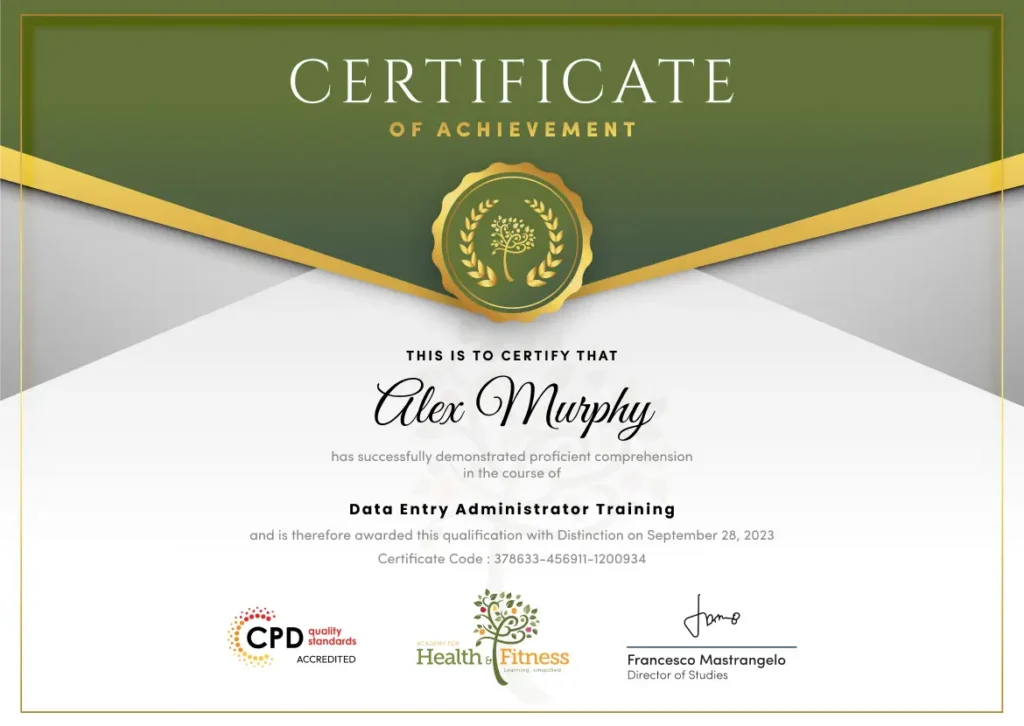
After successfully completing the Data Entry Administrator Training course, you will qualify for a CPD Certificate as proof of your continued professional development and achievement. This certificate can enhance your professional profile and showcase your commitment to building relevant skills and knowledge. You can receive your digital certificate for only £10, or request a printed hard copy sent by post for just £29 or both for £39.
For assessing your learning, you have to complete an automated MCQ exam. It is required for the students to score at least 60% to pass the exam and fulfil the Quality Licence Scheme-endorsed certificate criteria. Learners can apply for the certificate after they clear the exam.
There are assignment questions provided at the end of the course. You are suggested to complete the questions to enrich your understanding of the course. You can complete this according to your preferred time. The expert tutor will provide feedback on your performance after assessing your assignment.
Completing the Data Entry Administrator Training opens doors to a variety of entry-level and supportive administrative roles across offices, organisations, and remote work environments in the UK. This course equips you with essential skills employers seek, providing a strong foundation to start or advance your administrative career.
This course covers essential data entry skills, Microsoft Excel techniques, spreadsheet management, data forms, Flash Fill, Autofill, and statistics packages. It provides essential knowledge for real office and administrative tasks.
Yes. This course is ideal for beginners, office staff, administrative assistants, or anyone wanting to improve data handling and Excel skills. No prior experience is required.
Yes. The course is fully online, allowing you to study from home and fit learning around work, family, or other commitments. It is self-paced and flexible.
Yes. Successful learners receive a CPD-accredited digital certificate. There is also the option to order a hard copy to showcase your achievement.
This course provides foundational and essential skills for administrative and data entry roles. It is not a formal professional licence but significantly boosts employability.
The course supports roles such as data entry clerk, administrative assistant, office support staff, Excel/data specialist, virtual assistant, and customer service administrator.
 Assessment includes essential exercises and automated quizzes to test your Excel, data entry, and data management skills. Tutor feedback is available for assignments.
It is ideal for beginners, office professionals, administrative assistants, and anyone seeking to improve efficiency, organisation, and data handling skills.
Yes. Data handling and Excel skills are highly sought after in offices, organisations, and remote work setups. Entry-level roles can lead to higher-level administrative positions.
This course equips you with essential, job-ready skills in data entry, Excel, and office administration. It strengthens your CV, improves efficiency, and opens doors to rewarding administrative careers.
| Making Data Entry Jobs Easier | |||
| Introduction to Data Entry | 00:20:00 | ||
| Using the Computer for Data Entry | 00:15:00 | ||
| Common Rules and Guidelines for Data Entry | 00:30:00 | ||
| Using Excel for Efficient Data Entry | 00:30:00 | ||
| Using Excel’s Flash Fill and Autofill to Automate Data Entry | 00:30:00 | ||
| How to Create a Data Entry Form in Excel? | 00:45:00 | ||
| Using Statistics Packages in Data Entry | 00:45:00 | ||
| Getting Started with Microsoft Office Excel 2016 | |||
| Navigate the Excel User Interface | 00:28:00 | ||
| Use Excel Commands | 00:10:00 | ||
| Create and Save a Basic Workbook | 00:19:00 | ||
| Enter Cell Data | 00:12:00 | ||
| Use Excel Help | 00:05:00 | ||
| Performing Calculations | |||
| Create Worksheet Formulas | 00:15:00 | ||
| Insert Functions | 00:17:00 | ||
| Reuse Formulas and Functions | 00:17:00 | ||
| Modifying a Worksheet | |||
| Insert, Delete, and Adjust Cells, Columns, and Rows | 00:10:00 | ||
| Search for and Replace Data | 00:09:00 | ||
| Use Proofing and Research Tools | 00:07:00 | ||
| Formatting a Worksheet | |||
| Apply Text Formats | 00:16:00 | ||
| Apply Number Format | 00:08:00 | ||
| Align Cell Contents | 00:09:00 | ||
| Apply Styles and Themes | 00:12:00 | ||
| Apply Basic Conditional Formatting | 00:11:00 | ||
| Create and Use Templates | 00:08:00 | ||
| Printing Workbooks | |||
| Preview and Print a Workbook | 00:10:00 | ||
| Set Up the Page Layout | 00:09:00 | ||
| Configure Headers and Footers | 00:07:00 | ||
| Managing Workbooks | |||
| Manage Worksheets | 00:05:00 | ||
| Manage Workbook and Worksheet Views | 00:07:00 | ||
| Manage Workbook Properties | 00:06:00 | ||
| Making Data Entry Jobs Easier | |||
| Introduction to Data Entry | 00:20:00 | ||
| Using the Computer for Data Entry | 00:15:00 | ||
| Common Rules and Guidelines for Data Entry | 00:30:00 | ||
| Using Excel for Efficient Data Entry | 00:30:00 | ||
| Using Excel’s Flash Fill and Autofill to Automate Data Entry | 00:30:00 | ||
| How to Create a Data Entry Form in Excel? | 00:45:00 | ||
| Using Statistics Packages in Data Entry | 00:45:00 | ||
| Getting Started with Microsoft Office Excel 2016 | |||
| Navigate the Excel User Interface | 00:28:00 | ||
| Use Excel Commands | 00:10:00 | ||
| Create and Save a Basic Workbook | 00:19:00 | ||
| Enter Cell Data | 00:12:00 | ||
| Use Excel Help | 00:05:00 | ||
| Performing Calculations | |||
| Create Worksheet Formulas | 00:15:00 | ||
| Insert Functions | 00:17:00 | ||
| Reuse Formulas and Functions | 00:17:00 | ||
| Modifying a Worksheet | |||
| Insert, Delete, and Adjust Cells, Columns, and Rows | 00:10:00 | ||
| Search for and Replace Data | 00:09:00 | ||
| Use Proofing and Research Tools | 00:07:00 | ||
| Formatting a Worksheet | |||
| Apply Text Formats | 00:16:00 | ||
| Apply Number Format | 00:08:00 | ||
| Align Cell Contents | 00:09:00 | ||
| Apply Styles and Themes | 00:12:00 | ||
| Apply Basic Conditional Formatting | 00:11:00 | ||
| Create and Use Templates | 00:08:00 | ||
| Printing Workbooks | |||
| Preview and Print a Workbook | 00:10:00 | ||
| Set Up the Page Layout | 00:09:00 | ||
| Configure Headers and Footers | 00:07:00 | ||
| Managing Workbooks | |||
| Manage Worksheets | 00:05:00 | ||
| Manage Workbook and Worksheet Views | 00:07:00 | ||
| Manage Workbook Properties | 00:06:00 | ||